



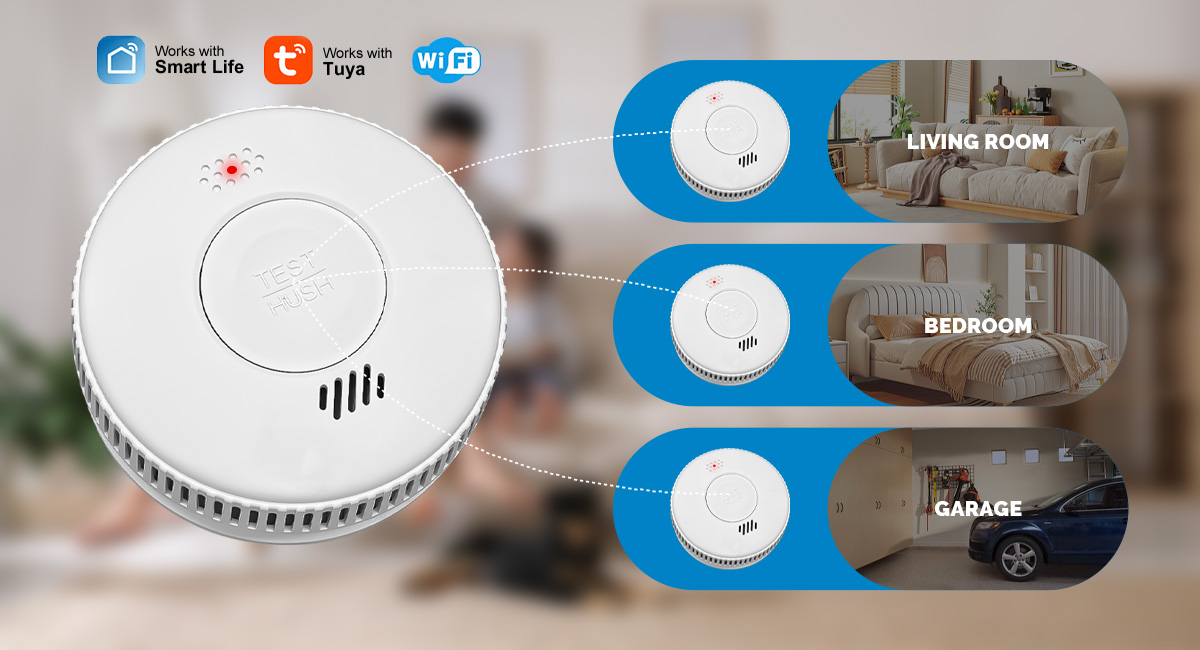
WiFi lub tshuab ntes pa luam yeebyog cov khoom siv kev nyab xeeb tseem ceeb rau txhua lub tsev. Qhov tseem ceeb tshaj plaws ntawm cov qauv ntse yog tias, tsis zoo li cov tswb ceeb toom uas tsis yog ntse, lawv xa ib qho kev ceeb toom rau lub xov tooj ntse thaum raug qhib. Lub tswb ceeb toom yuav tsis ua haujlwm zoo yog tias tsis muaj leej twg hnov nws.
Cov cuab yeej ntes pa taws ntse xav tau kev sib txuas hauv internet Wi-Fi kom siv tau lawv cov yam ntxwv ntse. Lub cuab yeej ntes pa taws uas txuas nrog WiFi ua haujlwm yog li ntawd yog tias ib lub cuab yeej ntes pa taws, lwm lub cuab yeej kuj yuav ua lub tswb ceeb toom thiab xa ib daim ntawv ceeb toom rau koj lub xov tooj. Yog tias koj lub router tsis ua haujlwm, koj lub Wi-Fi system yuav tsis tuaj yeem xa cov ntawv ceeb toom ntse lossis sib txuas lus nrog lwm cov cuab yeej ntse hauv koj lub tsev. Txawm li cas los xij, yog tias muaj hluav taws kub, lub system tseem yuav ua lub tswb ceeb toom.
WiFi sib txuas lub tswb ceeb toom pa luam yeebmuaj kev nyab xeeb dua li lub tswb ceeb toom pa luam yeeb uas nyob ib leeg vim nws tuaj yeem qhia koj txog qhov xwm txheej ceev sai dua. Lub tswb ceeb toom ib txwm tuaj yeem ceeb toom koj txog qhov muaj pa luam yeeb, hluav taws, lossis carbon monoxide, tab sis lawv tsuas tuaj yeem ntes tau thaj chaw ib puag ncig. Kev sib txuas tuaj yeem ua rau qhov kev ceeb toom dav dua, yog li txawm tias koj tsis nyob hauv thaj chaw uas muaj hluav taws, koj tuaj yeem tau txais kev ceeb toom raws sijhawm thiab paub txog hluav taws.
Txawm hais tias cov cuab yeej ntes pa luam yeeb uas txuas nrog WiFi zoo li nyuaj, vim tias lawv yuav tsum txuas nrog WiFi thiab lwm yam cuab yeej ntes pa luam yeeb, kev teeb tsa cov cuab yeej ntes pa luam yeeb hauv koj lub tsev yooj yim heev thiab muaj kev nyab xeeb heev. Koj yuav xav tau cov khoom siv tsim nyog thiab qee cov lus qhia yooj yim. Peb kuj tseem yuav muab cov lus qhia thiab cov yeeb yaj kiab rau kev siv.

Lub sijhawm tshaj tawm: Lub Yim Hli-09-2024